Editing a Vertical Mini-Series: Pace, Subtitles and Sound
Tight cuts, reaction shots, readable subtitles and balanced sound: how to edit vertical short drama episodes that move quickly and stay clear on small screens.
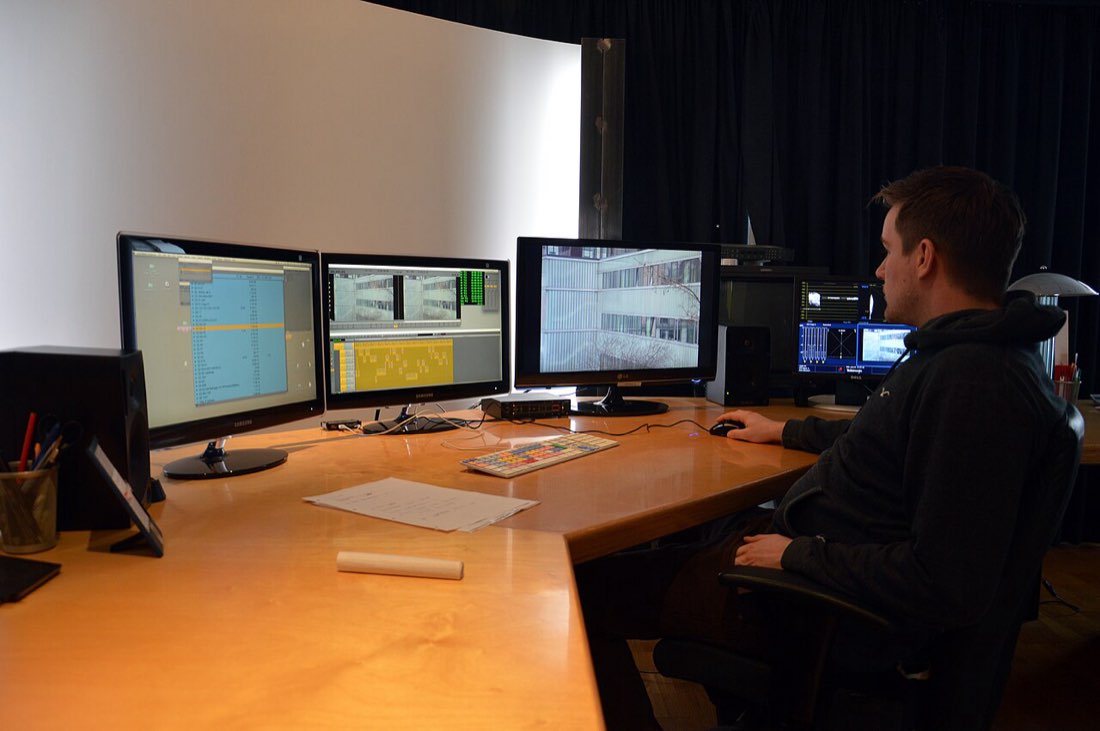
Editing is where a short drama episode finds its rhythm. Footage that feels slow on set can become gripping with tighter cuts, well-timed reaction shots and clear subtitles. Most phone and desktop editing apps can handle everything described here.
Cut for pace
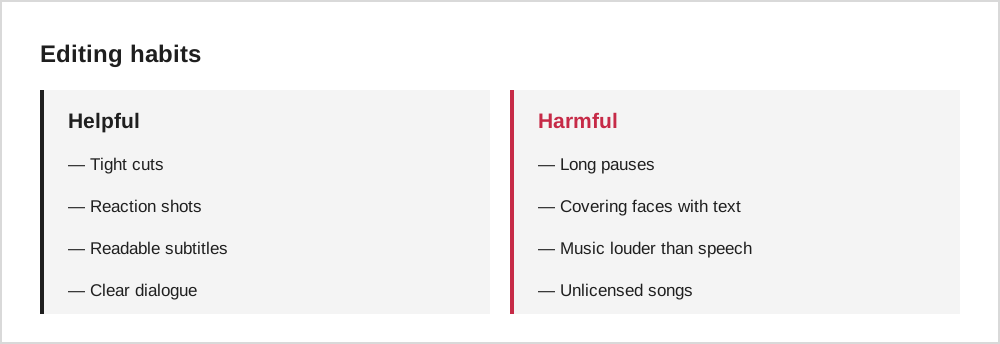
Short drama editing is fast. Trim pauses before lines, cut into scenes as late as possible and leave as early as possible. A useful rule is that every shot should either deliver information or a reaction.
The power of the reaction shot
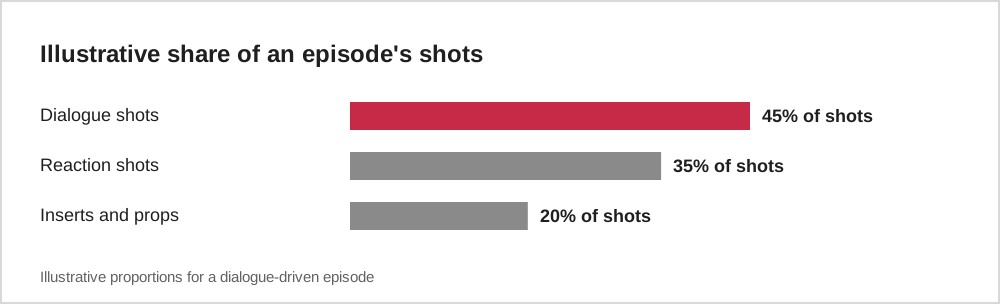
In short dramas, the moment a secret is revealed is often shown through the faces of people hearing it. Cutting to reactions makes reveals land harder and gives viewers time to absorb what has happened.
| Moment | Useful reaction |
|---|---|
| A reveal | Shocked faces of rivals |
| An insult | The hero's controlled response |
| A decision | The person affected by it |
| A cliffhanger | A frozen look before the cut |
Subtitles for small screens
Many viewers watch without sound. Burned-in or available subtitles make your episode accessible everywhere. Keep them short, large enough to read on a phone, and placed where they do not cover faces.
Keep subtitles to one or two short lines at a time, and leave them on screen long enough to read comfortably.
Sound and music
Balance dialogue so it is always clearly audible over music. Use music to support emotion and mark the cliffhanger, but avoid wall-to-wall tracks that tire the ear. Only use music you have the rights to; many editing apps include royalty-free libraries.
Export for vertical
Export in a vertical aspect ratio such as 9:16 and check the result on a phone before publishing. Look out for text near the very top or bottom, where app buttons may cover it.
A practical editing order
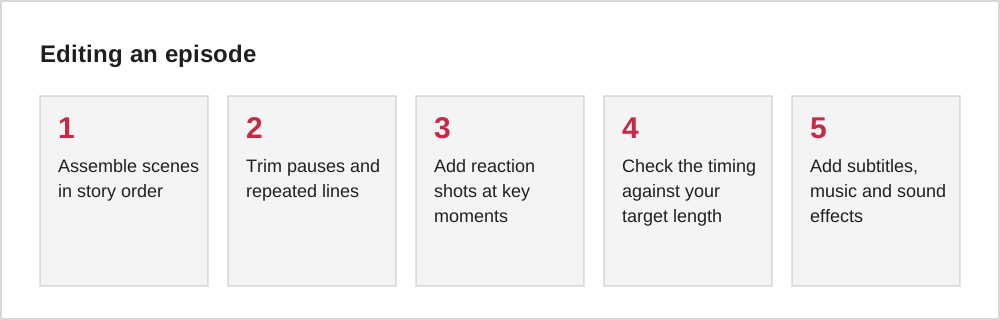
A reliable editing order saves time. First, build a rough cut with every scene in sequence, ignoring timing. Second, tighten each scene by cutting pauses and repeated lines. Third, add reaction shots at the key moments. Only then add subtitles, music and effects, because each of those depends on the final timing.
Watching the rough cut on a phone at each stage helps you catch problems that are invisible on a large editing screen: text that is too small, faces too close to the top edge, or music that drowns out dialogue through a phone speaker.
Free and low-cost tools
You can edit a short drama with free tools. Many phones include a basic editor, and dedicated mobile apps add features such as multiple video tracks, automatic captions and vertical export presets. On a computer, free editors such as DaVinci Resolve offer professional features, while simpler programs are easier to learn.
Choose a tool that supports a 9:16 project, lets you add captions easily and can export at 1080 by 1920 pixels. Beyond that, the tool matters less than practice. Editing a few short scenes from start to finish will teach you more than comparing feature lists.
Common editing mistakes
New editors often leave too much air at the start and end of each shot, which slows the pace. Others cut so quickly that viewers cannot read reactions. Another frequent problem is music that is too loud under dialogue, making lines hard to follow on phone speakers.
Check each episode on a phone, at normal volume, without headphones. Watch the first five seconds critically: if nothing happens, trim. Make sure captions are correct and timed to the speech, and that the final frame holds long enough for the hook to land before the episode ends.
Common questions
How long should each episode be?
Most vertical short drama episodes run about one to two minutes. Consistency across a series helps viewers settle into the rhythm.
Should I add a recap at the start of each episode?
A very short recap of the previous cliffhanger can help, especially if viewers may watch episodes days apart.
The short version
Cut tightly, lean on reaction shots, keep subtitles short and readable, and keep dialogue clearly above the music. Export in a vertical format and always check the final episode on a phone.